

Make more time for your firm or business with our comprehensive managed payroll services
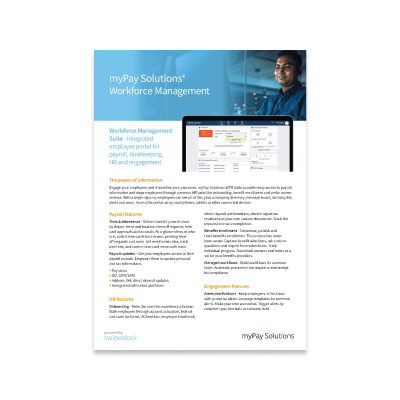
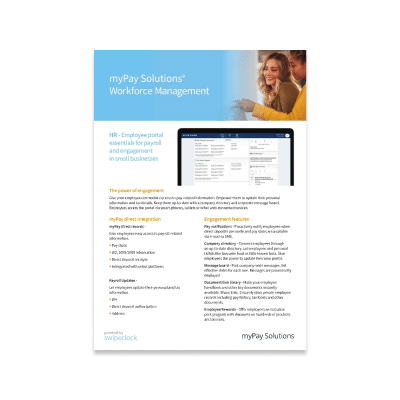
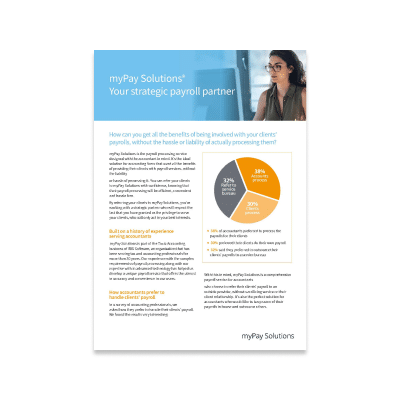
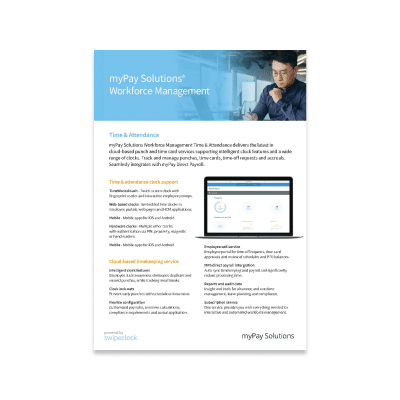
With myPay Solutions, you’ll get accurate, timely online payroll services and payroll tax services—and much more. Our service includes payroll processing, federal payroll tax services and state tax filing, direct deposit and integration to a variety of software.
You’ll have a dedicated team you can contact directly with any payroll compliance questions—no more large, impersonal call centers. Our knowledgeable payroll specialists are here to give you individualized attention. Leave the payroll compliance to us so you can focus on your business.

“Since using the IRIS Managed Payroll solution, we’ve gotten a lot more payroll clients. It’s made it a lot easier to streamline those small business owners. IRIS has been one of the most cost-efficient payroll solutions I’ve seen. No matter if it’s weekly, bi-weekly, or monthly payroll, IRIS competes.”
Let us solve your payroll problems

Grow your service offerings
Boost your image as a full-service firm by offering the payroll service your business clients need, without the risk.
Dedicated payroll specialists
You’ll have a one-on-one relationship with a dedicated payroll specialist for support with setup, paychecks, and more.

Reduce compliance burden
Let us carry the burden of navigating regulatory changes so you can focus on providing strategic direction to your clients and business.

Timely tax filling
We ensure that all federal, state, and local taxes are paid accurately and on time, and respond to any issues on your behalf.
Software integration
Eliminate duplicate data entry by integrating your payroll with your existing tax and accounting software.

Risk protection for clients
Reduce the risk of fraud and security breaches with secure portals and multi-factor authentication from a trusted source.
Protect your firm from payroll risk
Providing an accounting payroll service for your clients helps you to expand your relationship as they value your insights and trust you for more services.
But how do you do that, without taking on the stress surrounding the ever-changing complexities surrounding payroll?
Read our e-book and learn how your firm can take advantage of this lucrative market while minimizing risk and freeing up staff resources.

Why myPay Solutions?

Complete Payroll Solutions
With myPay Solutions, your service includes payroll processing, federal payroll tax services and state tax filing, direct deposit and integration to a variety of software.

Payroll Reporting
As a business, it’s important to find a solution that helps you understand and simplify payroll management. With these essential reports, you can get a quick, comprehensive look at your business at any time.

Payroll Data Security
Be confident that your payroll information is secure. Your business security and data privacy is protected with advanced security systems that provide 24/7 monitoring.